I am installing an Ubuntu server as a substitute for my Rpi. During the installlation process there are questions I don´t understand. Can you please deirect me to a set of instructions for this installation?
It seems tro be up and running. I have contact with SSH. I checked for python and docker, seems I ned to get docker, Which of these options should I choose?
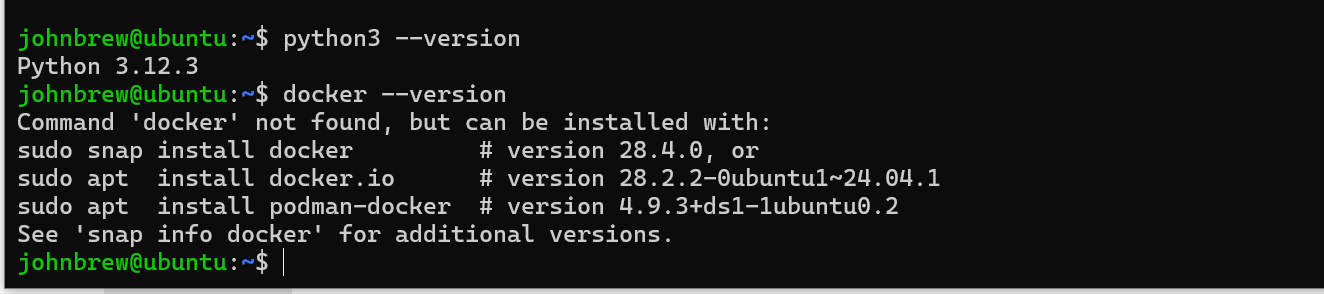
I would recommend going straight to Docker’s implementation. Docs here:
I seem to be back to normal = where I was with my RPi!!!
If I made som bad choices during Ubuntu installation they don’t seem to matter.
I ran thru the getting started procedure and loaded a snapchat.
I seem to be in fine shape — until further notice.
1 Like
My brewblox on ubunto server pc and spark3 have been working fine until now. Running Spark3 thru USB. I had this error once, reconnected USB with success. This error has now reappared, no success with reconnecting
I have contact thru SSH. I have run flash and add-spark with no success. The light is blinking green.
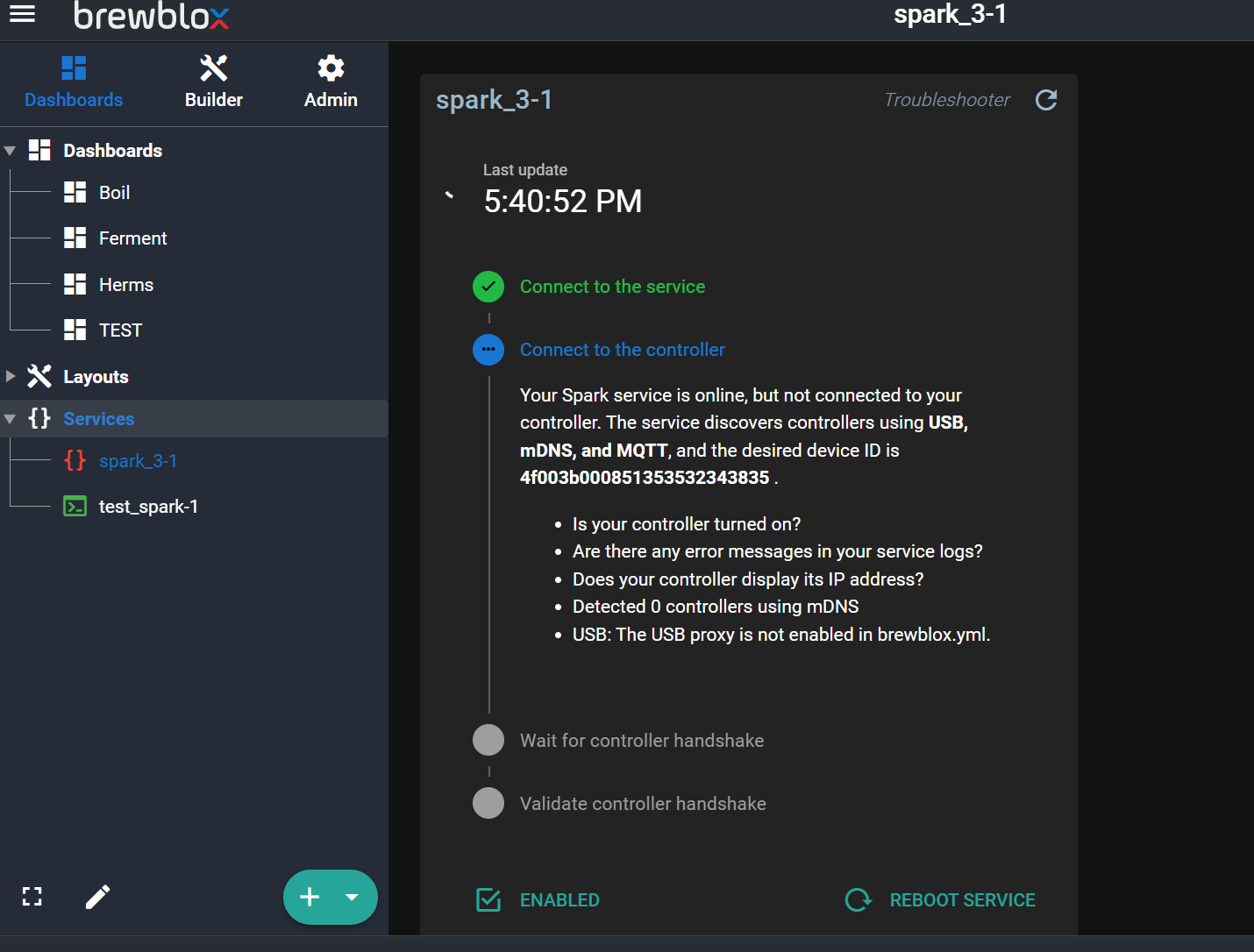
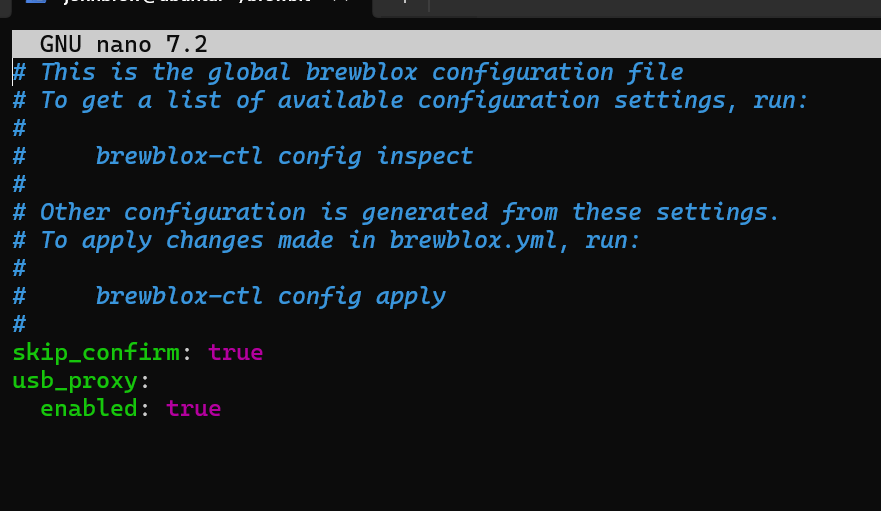
Did you run brewblox-ctl config apply?
It says the USB proxy is not running in the UI.
It worked! Thank you very much!!
Hi again
I have some connection fallouts. The system is running with a usb connection.
What are your comments, please.
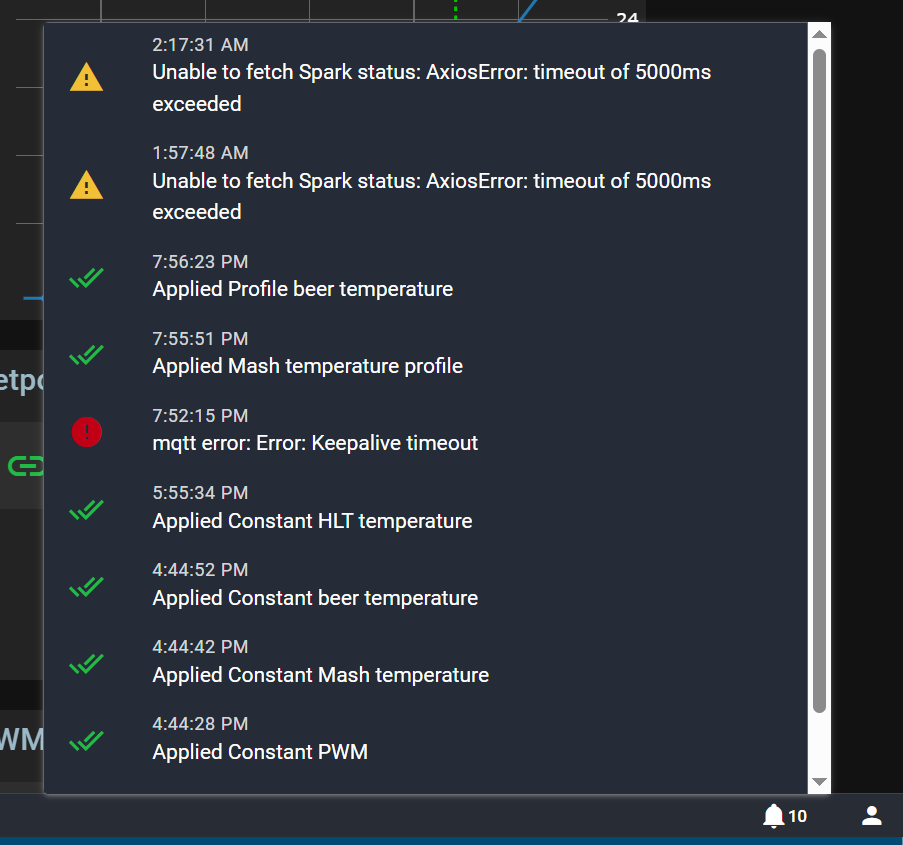
Now I have these errors. Running on usb.
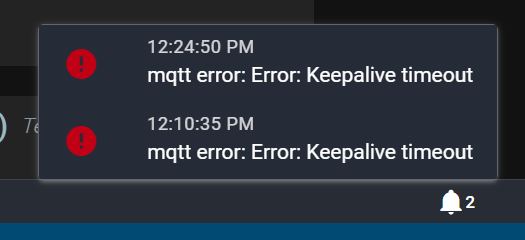
looks like network problems between your browser and the pi.
Yes, there is probably a network problem. How would you suggest I go about persuing this one?
The faults occur when running on USB from Ubuntu server to spark3.
I thank you for your assistance and patience.
Cheers
How complex is your network? Without any context, it will be difficult to troubleshoot networking for your specific circumstance.
Also to be specific, your install of Ubuntu is running on bare metal not virtualized, correct?
My server is a Ubuntu server (not desktop) running on an acer laptop. This Ubuntu is the only OS on this pc. The spark3 is connected through a USB cable. The setup is in a rather remote cabin with WiFi on a single router.
Is this information helpfull?
OK, yes. That’s a very simple approach which will make things easier.
Being that you mention you’re running Ubuntu Server, how are you accessing the web GUI?
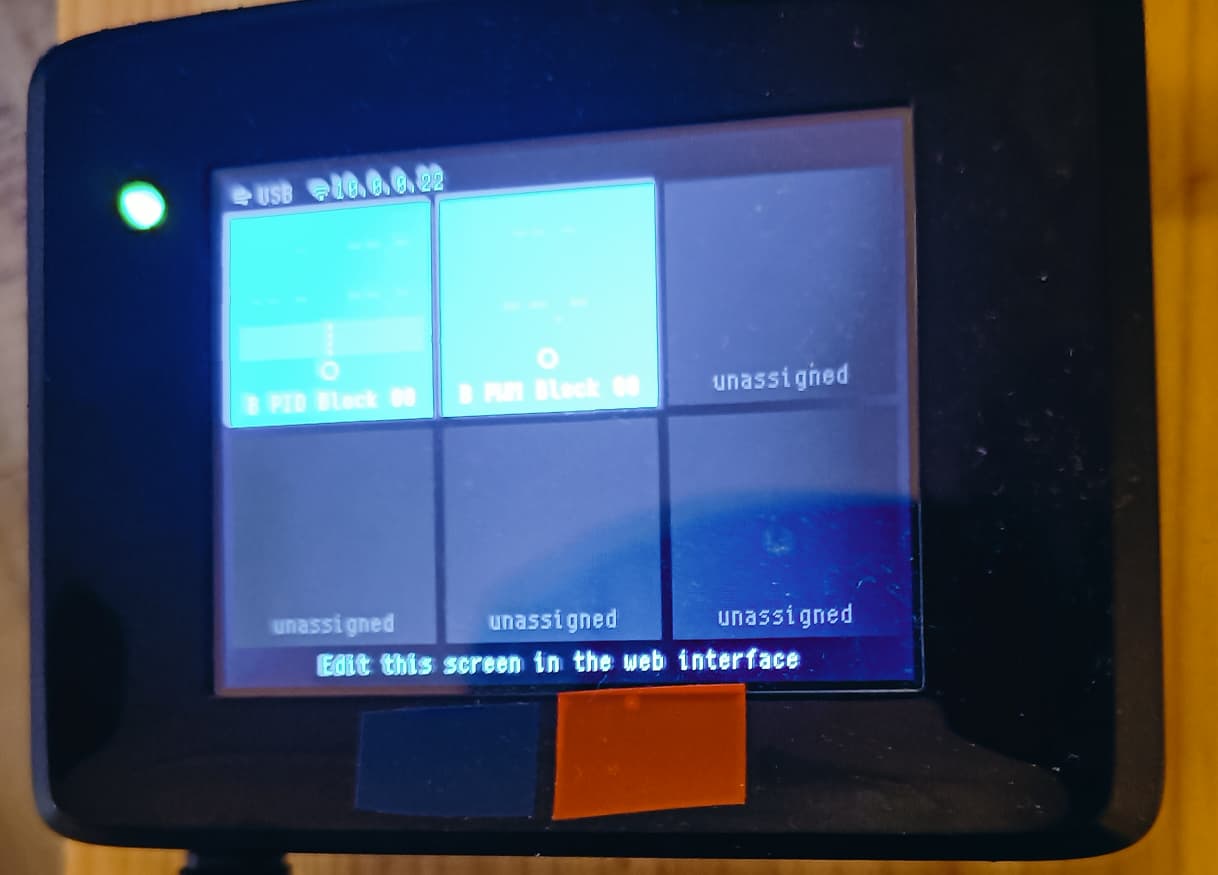
Also, could you snap another picture of the Spark screen and upload it now that it’s working over USB?
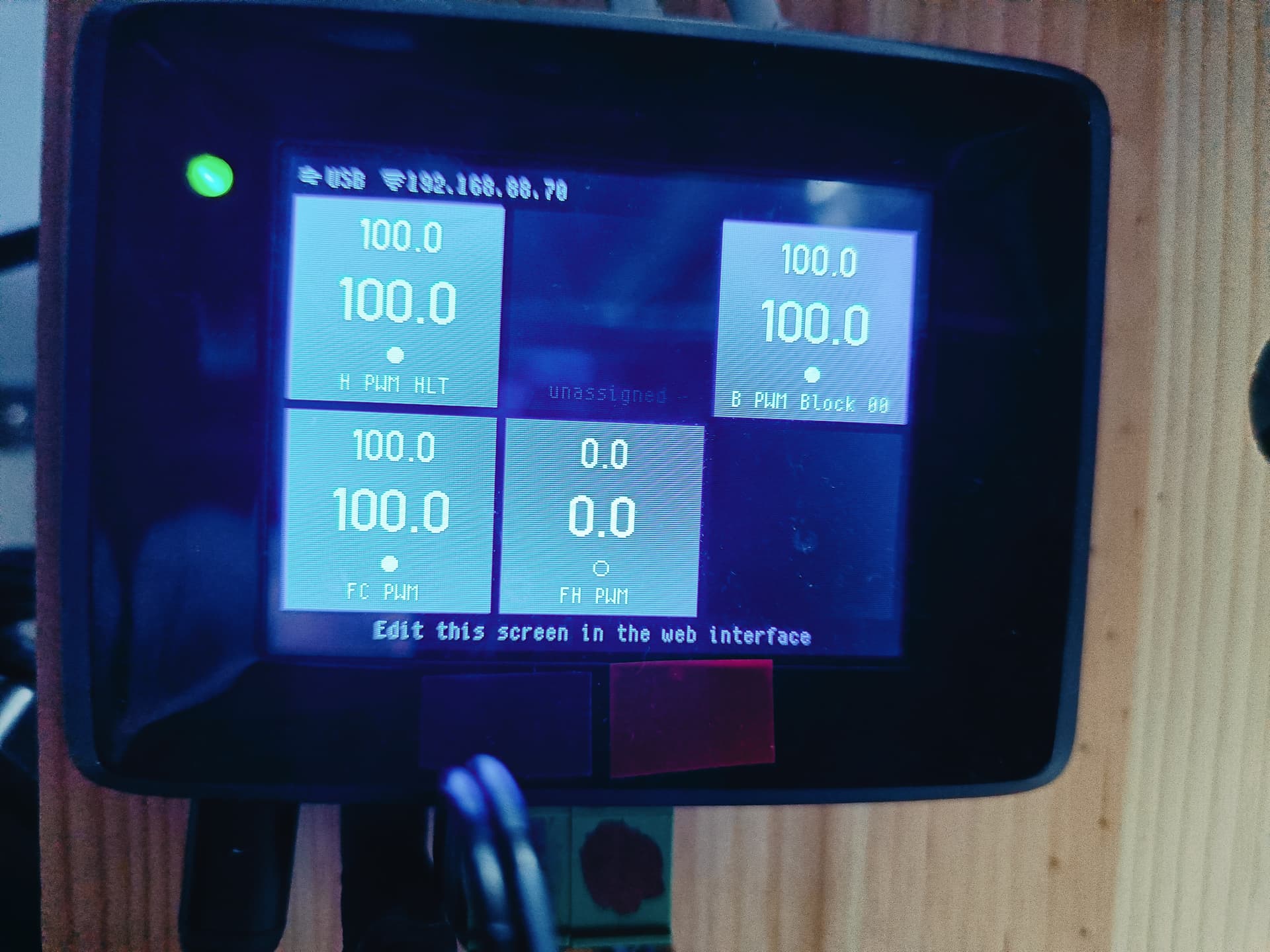
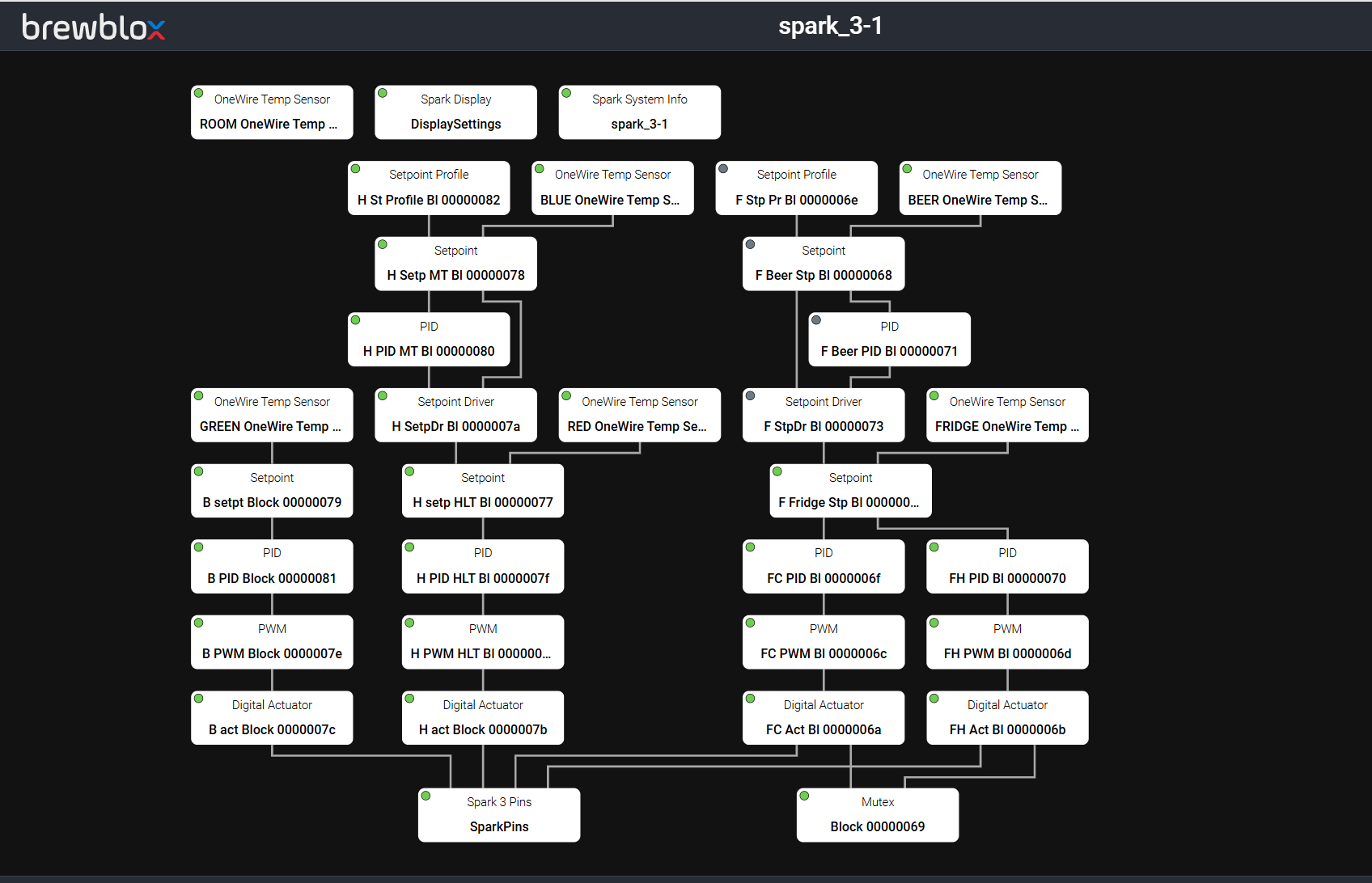
Taking a shot in the dark here, but maybe try wiping the wireless config from the spark:
To erase the stored Wi-Fi networks, hold the SETUP button until it blinks dark blue, then continue to hold it down for about ten seconds longer, until the RGB LED blinks blue rapidly, then release.
Then a reboot of both the Spark and the Ubuntu server to see if it comes up properly.
I tried this procedure and tried to reboot in all ways I could think of. Contact with all my temo sensores was lost. When WiFi was turned on again, the temp sensors and everthing else was back to normal.
The supplier claims that the USB cable handles 480 Mbps.