rPi 3B used raspbian pi imager and lite version.

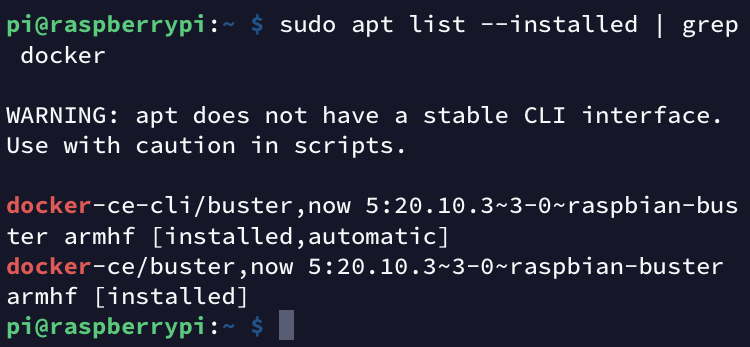
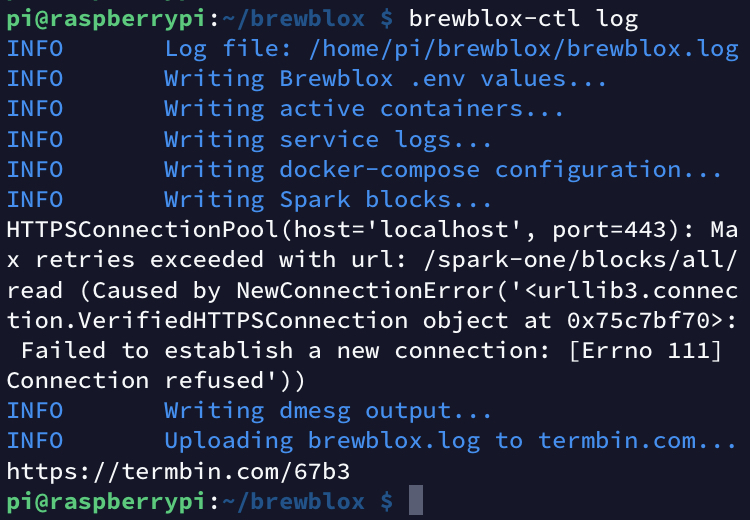
Want the termbin output too?
Yes, it’s the URL to where it uploaded the file.
Problems with docker went away after I changed from putty to other telnet client 
Before it complaind on docker dependencies and compose. Can’t remember em all…
Docker version looks good.
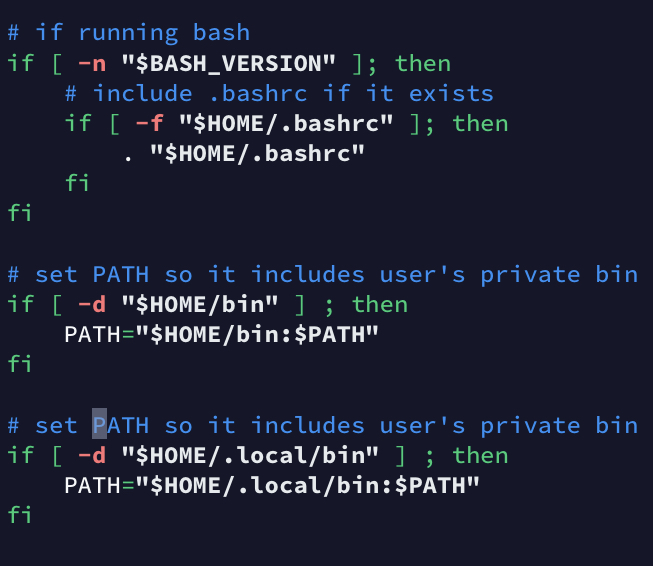
Looks like I requested the wrong file. Path extension on a Pi is stored in the ~/.profile file.
You can check it yourself - it should include
# set PATH so it includes user's private bin if it exists
if [ -d "$HOME/.local/bin" ] ; then
    PATH="$HOME/.local/bin:$PATH"
fi
That’s a new one, but I must admit I never used putty anyway - I prefer having a terminal where I can just type ssh pi@raspberrypi.local.
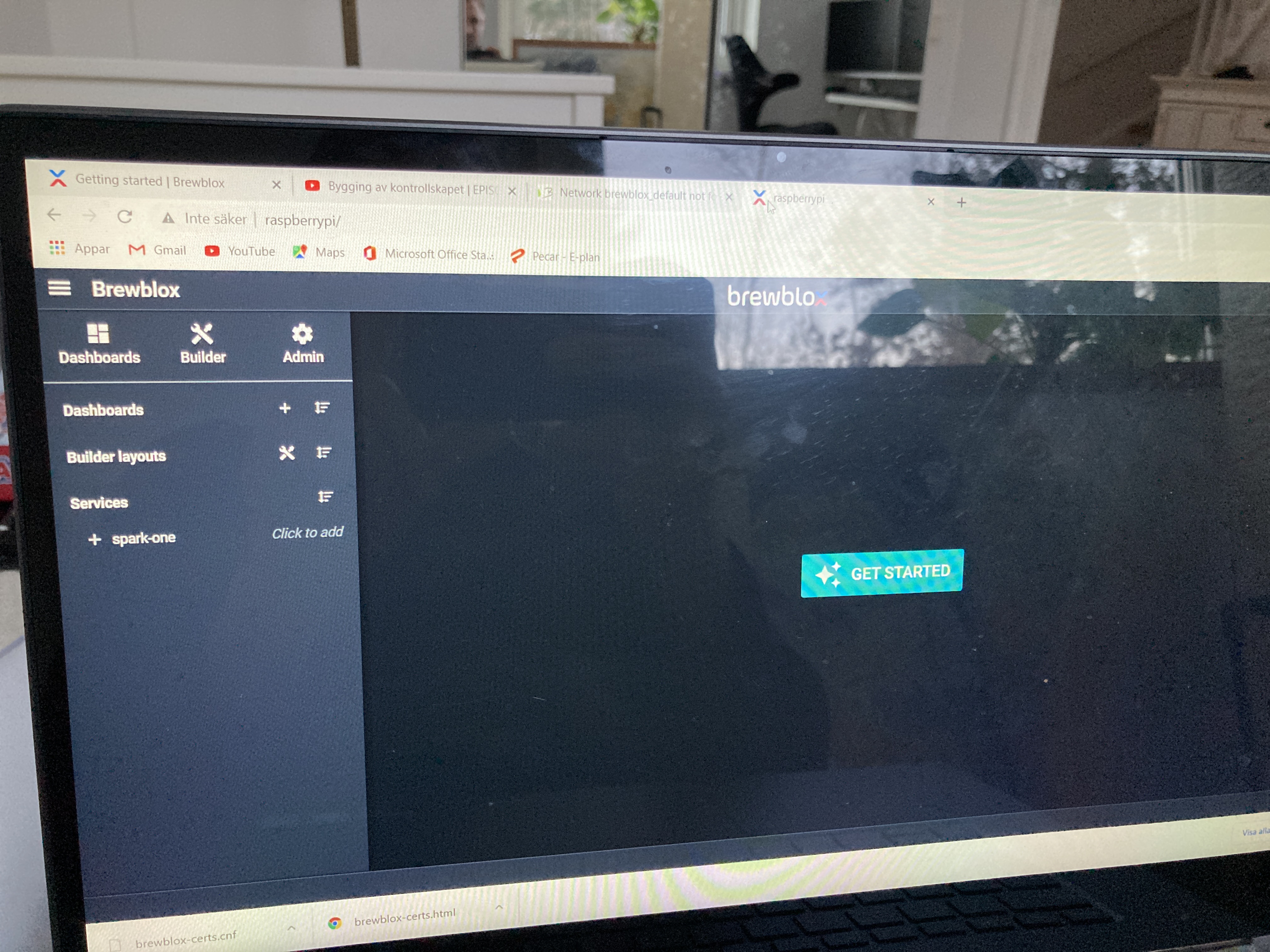
It looks like only history, influx, and traefik are up. Did you run brewblox-ctl up after setup?
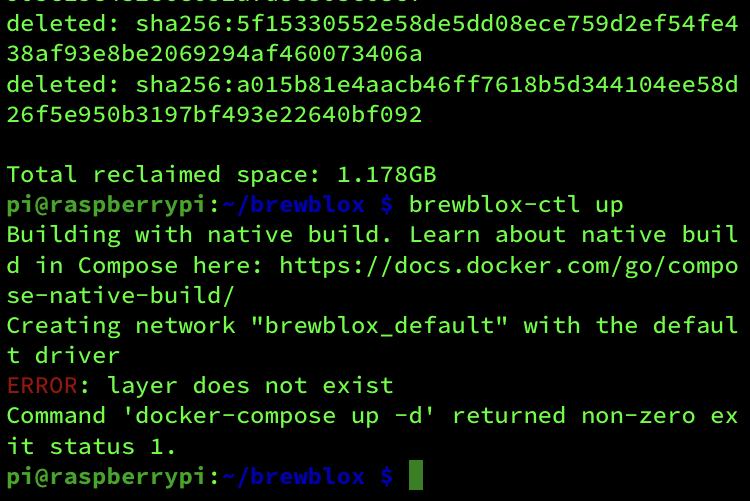
Neither brewblox-ctl up
Building with native build. Learn about native build in Compose here: https://docs.docker.com/go/compose-native-build/
Creating network “brewblox_default” with the default driver
ERROR: layer does not exist
Command ‘docker-compose up -d’ returned non-zero exit status 1.
nor the brewblox-ctl flash worked.
Removing brewblox_influx_1 … error
ERROR: for brewblox_influx_1 removal of container 1ffaabaf82a7876d8fdba4ebe07c1755dd1b75bbb7e8f57d4843dd777fa6dec8 is already in progress
Removing network brewblox_default
WARNING: Network brewblox_default not found.
INFO Flashing Spark…
Triggering dfu on port /dev/serial/by-id/usb-Particle_P1_20003c001947383434353030-if00
[Error: Error Resource temporarily unavailable Cannot lock port]
Flashing P1…
Flashing System 1 file…/app/node_modules/particle-cli/dist/lib/log.js:34
verbosqA7t+8Hh1UXPmaFw)u3x/gcXgm3lXhg
^
SyntaxError: Unexpected token ‘+’
at wrapSafe (internal/modules/cjs/loader.js:992:16)
at Module._compile (internal/modules/cjs/loader.js:1040:27)
at Object.Module._extensions…js (internal/modules/cjs/loader.js:1097:10)
at Module.load (internal/modules/cjs/loader.js:941:32)
at Function.Module._load (internal/modules/cjs/loader.js:782:14)
at Module.require (internal/modules/cjs/loader.js:965:19)
at require (internal/modules/cjs/helpers.js:88:18)
at Object. (/app/node_modules/particle-cli/dist/app/cli.js:7:13)
at Module._compile (internal/modules/cjs/loader.js:1076:30)
at Object.Module._extensions…js (internal/modules/cjs/loader.js:1097:10)
Command ‘docker run -it --rm --privileged -v /dev:/dev brewblox/firmware-flasher:edge flash’ returned non-zero exit status 1.
At a guess, there are still some leftovers from the earlier problems.
To clean up all running containers and then remove all compose images:
brewblox-ctl kill
docker image rm -f $(docker-compose images -q)
Afterwards, try brewblox-ctl up again.
Didn’t work for me… Asks for argument.
Kill and remove all? Found this, does it work?
‘docker container stop $(docker container ls -aq)’
docker container prune --force
docker image prune --all --force
docker volume prune --force
Are you in the brewblox dir when running compose commands? Compose image command by itself should yield a handful of hashes.
brewblox-ctl kill is a shortcut for that stop command. Run brewblox-ctl -v kill`, and it’ll print the shell commands it uses.
Image prune --all will also work. Idea is to remove the images to get rid of corrupted data, and then re-download and start.
1995457424:error:0D0D90AD:asn1 encoding routines:ASN1_TIME_adj:error getting time:crypto/asn1/a_time.c:330:
Command ‘docker run --rm -v “/home/pi/brewblox/traefik”:/certs/ brewblox/omgwtfssl:edge’ returned non-zero exit status 1.
Can it be the memory card? Bad internet? Seems really hard to get it up running.
Memory cards can fail in weird ways, so it’s technically possible, but rather unlikely.
-something- is definitely weird though. Most errors you had are ones I’ve never seen before.
You could check date to see whether your Pi has its time synched correctly.
The cert command can also be run standalone as brewblox-ctl makecert.
Time is an hour wrong
1996321680:error:0D0D90AD:asn1 encoding routines:ASN1_TIME_adj:error getting time:crypto/asn1/a_time.c:330:
Command ‘docker run --rm -v “/home/pi/brewblox/traefik”:/certs/ brewblox/omgwtfssl:edge’ returned non-zero exit status 1.
pi@raspberrypi:~/brewblox $
An hour offset is fine - you’re probably in GMT+1.
Do you have any other linux/mac devices you could use to generate a cert? That may be quicker than figuring out why this specific Pi is being obnoxious.
No I haven’t had anything to do with this for the last 10 years until I found Brewblox and spark
You can also install Git Bash For Windows. That includes openssl. I’ll pull up the required commands to generate a cert.
Edit: looks like I have to run, and don’t have time to type it out in detail.
Short version: use the brewblox-certs / brewblox-certs.cnf files from https://github.com/BrewBlox/deployed-images/tree/edge/omgwtfssl
The brewblox-certs file is a script. Run it with git bash. You’ll have to edit it to update the path for the cnf file.
Copy the results to brewblox/traefik on your Pi.