output.txt (12.0 KB)
Does this work?
Is the Spark still breathing blue?
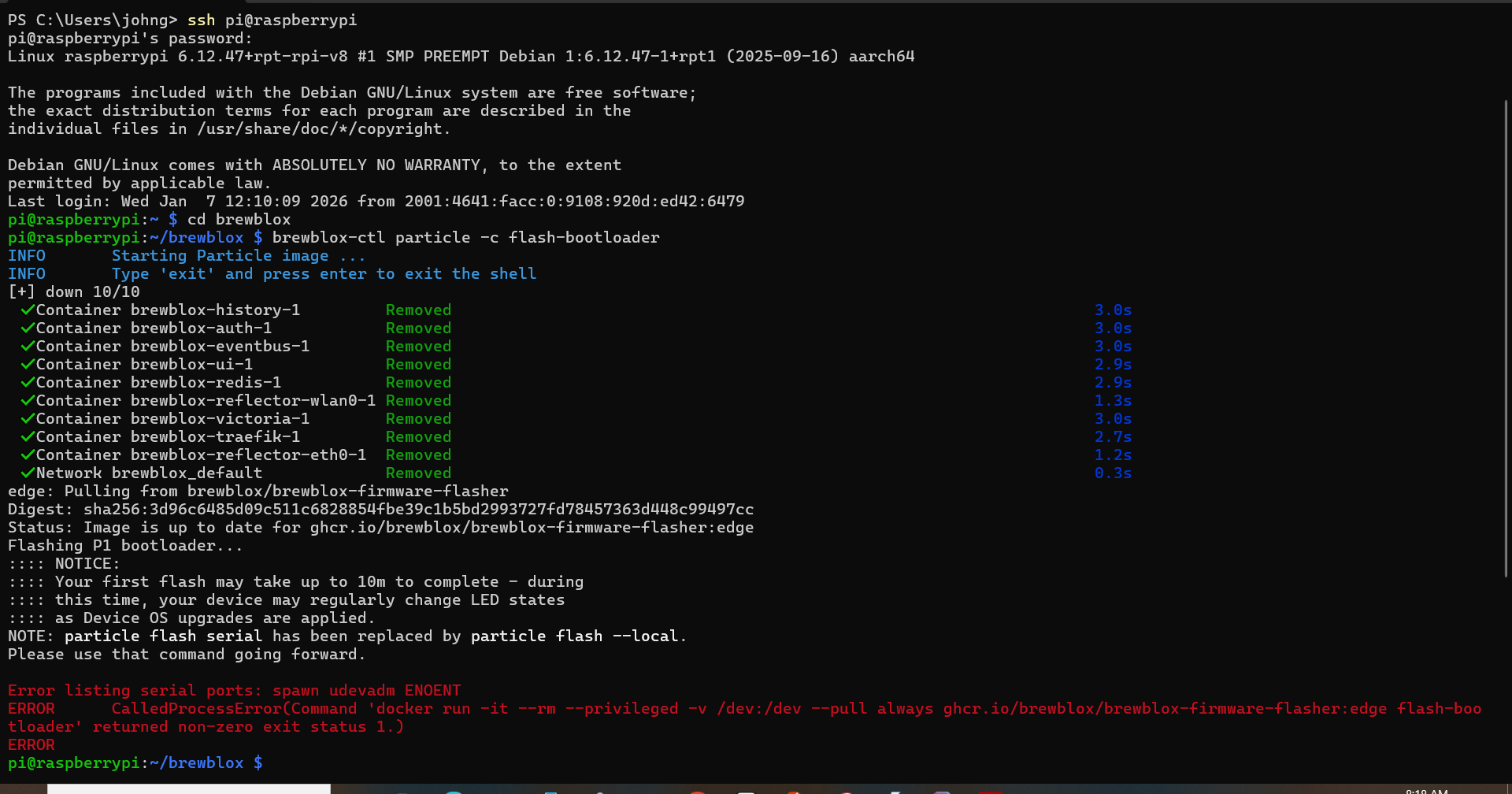
If so, there is a line in that output.txt that says:
If a new bootloader is required, your Spark will automatically download it over WiFi.
ONLY If your Spark LED keeps blinking blue, run: 'brewblox-ctl particle -c flash-bootloader'
The blue is almost constant, just barely breathing. This is as it always has been. It has happened that I have loaded bootloader, no change.
Have you tried running brewblox-ctl particle -c flash-bootloader?
brewblox-ctl flash should update the system1, system2 and the app.
Blue breathing could happen if the system layers are outdated, but I don’t know how you could get in that state, because Particle stopped releasing updates long ago.
What could also work is running brewblox-ctl wifi. If the Spark 3 has Internet access, it can download the updates itself.
I will try these suggestions when I get home. My main concern is that the display on my spark 3 is dark. The blue light has always been as it is now, but the display has been active.
ah. There is a difference between light and dark blue. Dark blue blinking is when it needs a system layer update. Cyan breathing is normal and means it connected to the particle cloud.
Is it connected to the service and showing up in the web interface? Then it does indeed sound like a problem with the display.
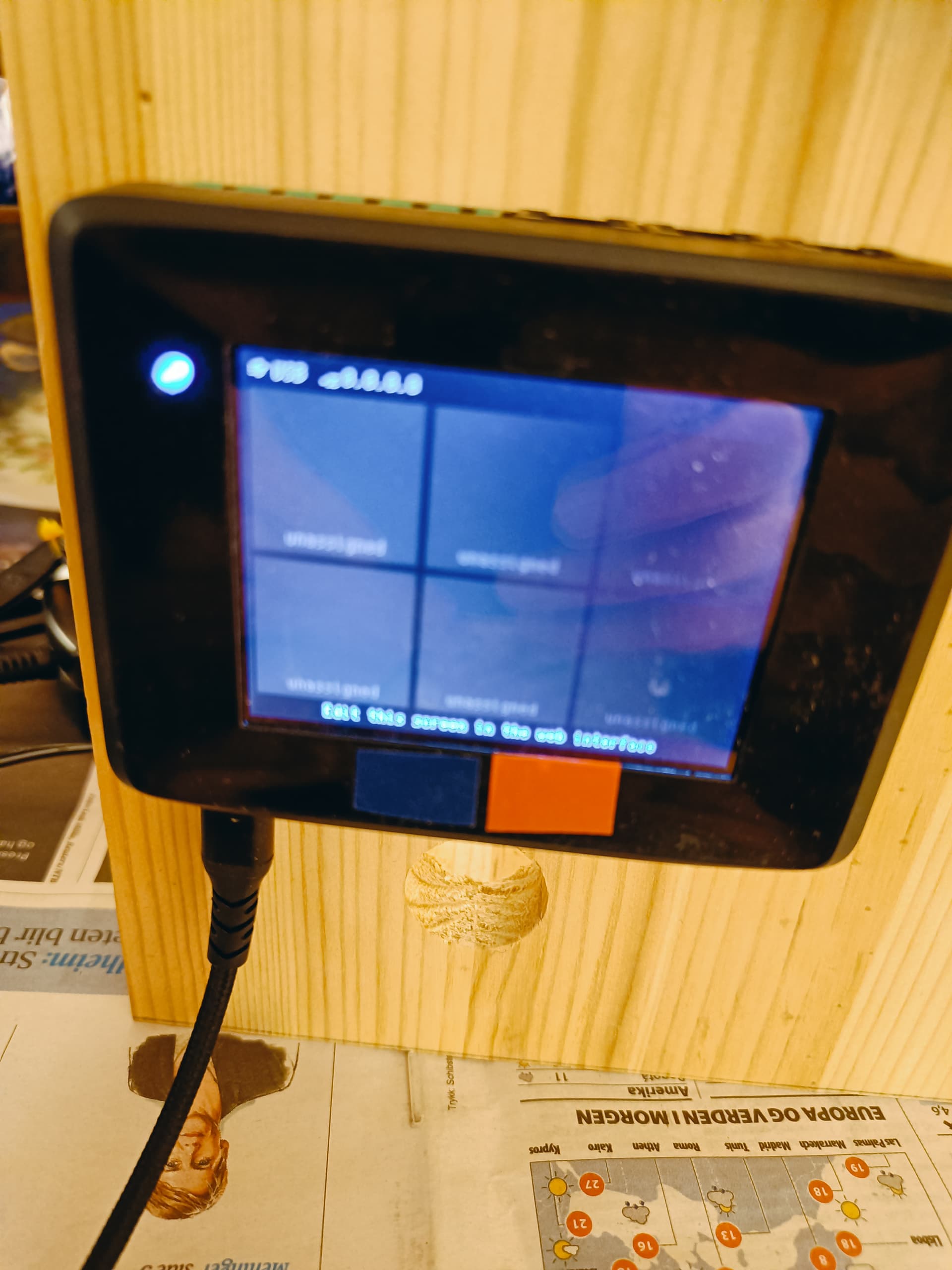
I tried so send you a video, but the system wouldn’t accept that format. The next best I can du is this picture.
I did my stopwatch for the very short “breaths”.
If we have an alternate channel, email perhaps, I can send the video.
Does this make any sense? Is my Sp3 broken? Does it work as it should even with a dead screen?
It does not show up on the web display, the one with the dashboards.
But the screen is not black in the photo!
There is a top bar that shows that you have a USB connection, but not a wifi connection (no ip address)
The middle area is empty, because you have not configured any blocks to show on the screen.
If you want to use USB, add this to brewblox.yml and run 'brewblox-ctl config apply`:
usb_proxy:
  enabled: true
If you want to use WiFi, run brewblox-ctl wifi.